Freelancing in the United States has never been more accessible or more complicated when it comes to finances.
From tracking expenses and sending invoices to preparing for tax season, freelancers must handle responsibilities that traditional employees rarely think about. Without the right system in place, financial management can quickly become overwhelming.
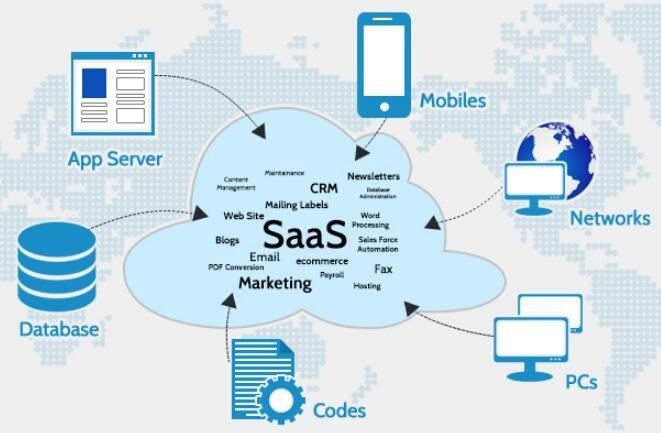
That is why accounting SaaS tools have become essential for freelancers in 2026. Instead of relying on spreadsheets or manual calculations, freelancers can now automate invoicing, expense tracking, and tax preparation through cloud-based accounting platforms.
At Saasreviewer, we have emphasized in Best Cybersecurity SaaS 2026, Top HR & Payroll SaaS Tools, and Best E-commerce Platforms 2026, that the best SaaS tools reduce complexity while improving accuracy. Accounting software does exactly that: it saves time, reduces errors, and helps freelancers stay compliant with U.S. tax requirements.
This guide explores the top accounting software for freelancers and tax filing in 2026, focusing on ease of use, automation, pricing, and tax readiness. Check out this [ Top 7 HR & Payroll SaaS Tools for modern American companies in 2026]
Why Freelancers Need Accounting Software
Freelancers do not just earn income; they run businesses. That means managing:
- Income tracking
- Expenses
- Invoices
- Payments
- Taxes
- Deductions
- Reports
Without accounting software, these tasks become time-consuming and error-prone.
As discussed in our article on HR SaaS tools, automation reduces administrative work. The same principle applies to freelancers: automation frees up time for client work rather than paperwork.
Accounting software also helps freelancers prepare for tax season by organizing financial records throughout the year.
Key Features Freelancers Should Look For
Not all accounting tools are designed for freelancers. The best platforms typically include:
Invoicing
Freelancers need simple invoicing tools.
Expense Tracking
Tracking deductions is critical for tax savings.
Tax Preparation
Reports help during tax filing.
Automation
Recurring invoices and expense tracking save time.
Reporting
Financial insights help freelancers grow.
Top 5 Accounting Software for Freelancers in 2026
Here are the best accounting tools for freelancers in the United States this year.
1. QuickBooks Self-Employed
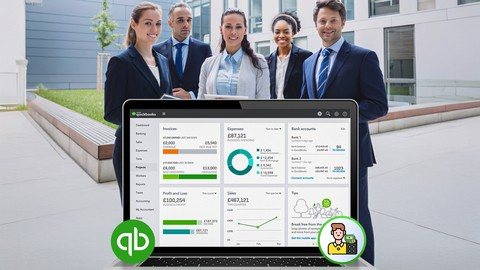
QuickBooks remains one of the most popular accounting tools for freelancers and small businesses.
The Self-Employed version is designed specifically for independent workers.
Key Features
- Income tracking
- Expense categorization
- Mileage tracking
- Tax estimates
- Invoice creation
Why It Stands Out
QuickBooks simplifies tax preparation by automatically organizing income and expenses.
Best For
Freelancers who want comprehensive accounting. Integrated systems reduce administrative work, and QuickBooks offers strong integrations with financial tools.
2. FreshBooks
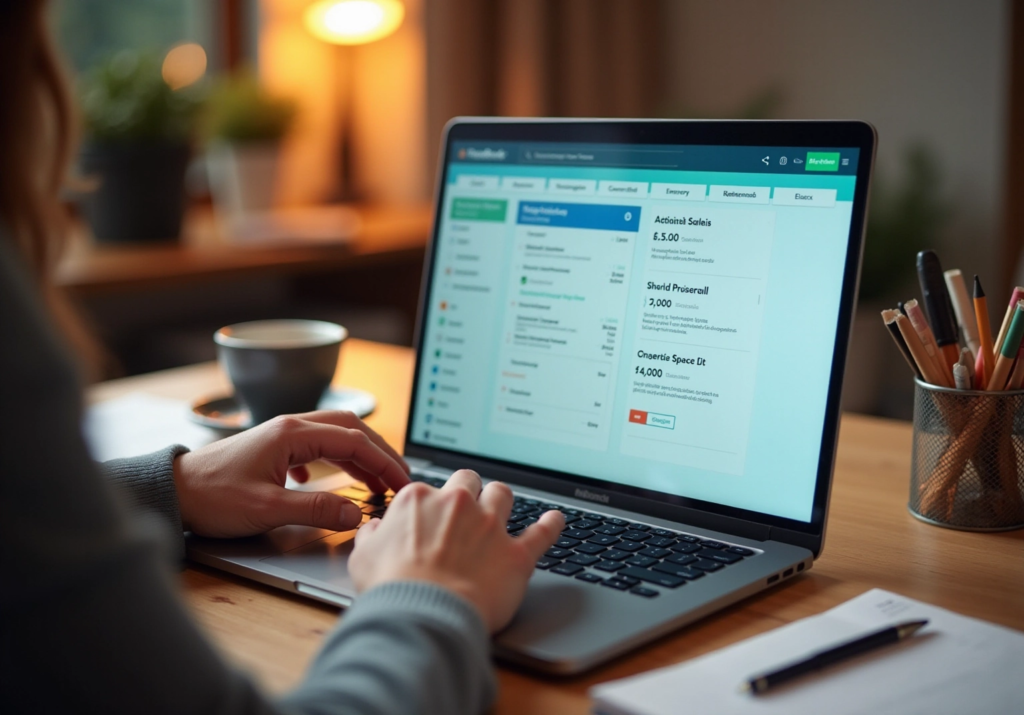
FreshBooks is known for its easy invoicing and user-friendly interface.
It’s especially popular among service-based freelancers.
Key Features
- Invoicing
- Time tracking
- Expense tracking
- Reports
- Payment processing
Why It Stands Out
FreshBooks makes invoicing simple and professional.
Best For
Freelancers who bill clients regularly.
3. Xero
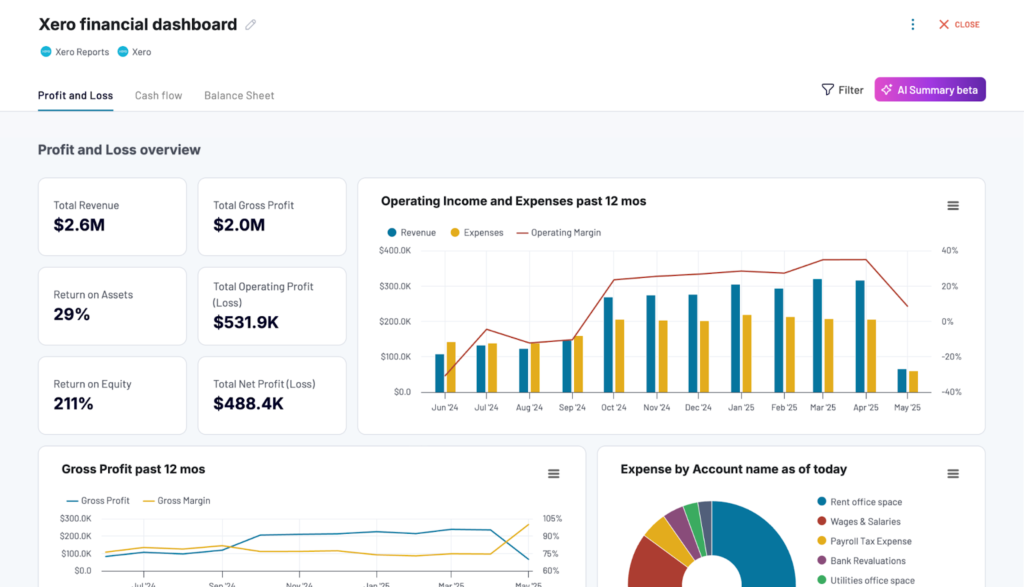
Xero is a powerful accounting platform with strong automation features. It is often used by freelancers who want more advanced accounting tools.
Key Features
- Bank syncing
- Expense tracking
- Invoicing
- Reporting
- Integrations
Why It Stands Out
Xero offers strong automation and reporting.
Best For
Freelancers with growing businesses.
4. Wave
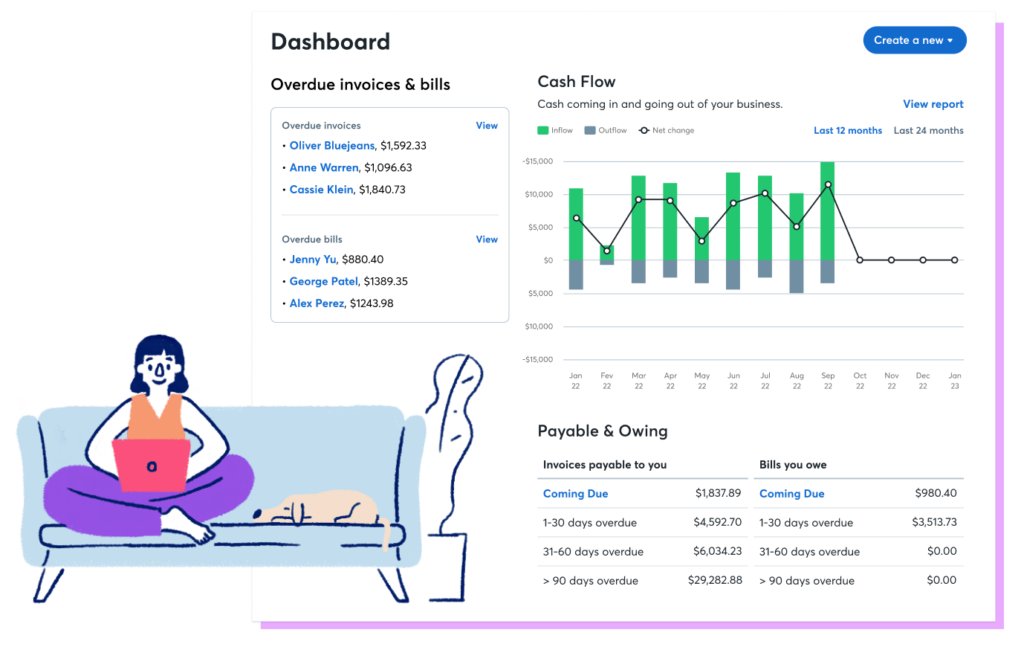
Wave is a free accounting platform designed for freelancers and small businesses. It offers core accounting features without monthly fees.
Key Features
- Invoicing
- Expense tracking
- Reporting
- Receipt scanning
- Payments
Why It Stands Out
Wave offers free accounting tools.
Best For
New freelancers.
5. Zoho Books
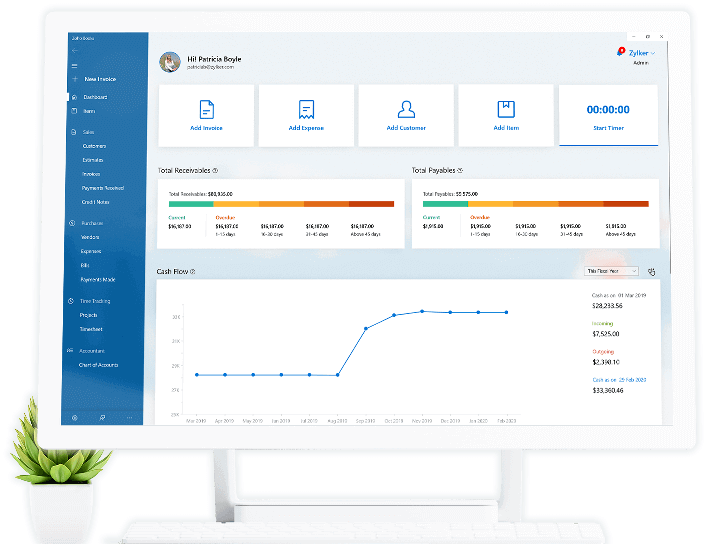
Zoho Books provides a balanced mix of features and affordability. It is part of the broader Zoho ecosystem.
Key Features
- Invoicing
- Expense tracking
- Reports
- Automation
- Integrations
Why It Stands Out
Zoho Books offers strong value for money.
Best For
Budget-conscious freelancers.
Comparison Overview
| Software | Best for | Price | Ease of use | Tax Features |
| QuickBooks | Taxes | Medium | High | Excellent |
| FreshBooks | Invoicing | Medium | High | Good |
| Xero | Automation | Medium | Medium | Excellent |
| Wave | Free option | Free | High | Basic |
| Zoho Books | Budget | Low | High | Good |
Tax Filing Benefits
Accounting software makes tax season easier by:
- Tracking income
- Organizing expenses
- Identifying deductions
- Generating reports
- Estimating taxes
These features reduce stress during tax filing.
Protecting financial data is also important, and cloud accounting platforms provide secure storage.
Common Freelancer Tax Deductions
Accounting software helps track deductions such as:
- Home office
- Internet
- Equipment
- Software
- Travel
- Education
- Marketing
Tracking these throughout the year simplifies tax filing.
How Accounting SaaS Saves Time
Freelancers often spend hours managing finances manually.
Accounting software automates:
- Invoices
- Expense tracking
- Reports
- Tax calculations
- Bank syncing
Automation allows freelancers to focus on client work.
How to Choose the Right Accounting Software
When choosing accounting software, consider:
- Budget
- Business size
- Clients
- Tax needs
- Features
The best tool matches your workflow.
Accounting Trends in 2026
Several trends are shaping accounting software:
- Automation
- AI categorization
- Mobile apps
- Cloud syncing
- Real-time reporting
These trends make accounting easier for freelancers.
Common Mistakes Freelancers Make
Freelancers often:
- Mix personal and business finances
- Forget deductions
- Miss invoices
- Delay bookkeeping
- Ignore reports
Accounting software helps prevent these mistakes.
Integration Benefits
Accounting tools often integrate with:
- Payment processors
- Banks
- CRMs
- E-commerce platforms
- Payroll tools
Integration improves efficiency across business tools.
Final Verdict
Accounting software is essential for freelancers in 2026. Managing finances manually increases the risk of errors, missed deductions, and tax problems.
Accounting platforms do exactly that by organizing finances and preparing freelancers for tax season.
For most freelancers:
QuickBooks → Best overall
FreshBooks → Best invoicing
Xero → Best automation
Wave → Best free option
Zoho Books → Best value
Choosing the right accounting software helps freelancers stay organized, save time, and prepare for taxes with confidence.
FAQs:
1. What is the best accounting software for freelancers in 2026?
Popular choices include QuickBooks, FreshBooks, and Wave. The best option depends on your budget, invoicing needs, and tax requirements.
2. Do freelancers really need accounting software?
Yes. Accounting software helps freelancers track income, manage expenses, and prepare for tax filing. It reduces manual errors and saves time during tax season.
3. Which accounting software is best for tax filing?
Tools like Xero and Zoho Books offer detailed financial reports that make tax filing easier and more accurate.
4. Is there any free accounting software for freelancers?
Yes, Wave offers a free plan with essential features like invoicing and expense tracking, making it a good option for beginners.
5. Can accounting software track freelance expenses automatically?
Most modern accounting tools connect to your bank account and automatically categorize expenses, which helps freelancers stay organized for tax deductions.
6. What features should freelancers look for in accounting software?
Freelancers should look for invoicing, expense tracking, tax reports, bank integration, and mobile access when choosing accounting software.
7. Is cloud-based accounting software safe?
Yes, most reputable accounting software providers use encryption and secure servers to protect financial data.
8. Can I switch accounting software later?
Yes, most platforms allow you to export your financial data, making it possible to switch software if your freelance business grows.