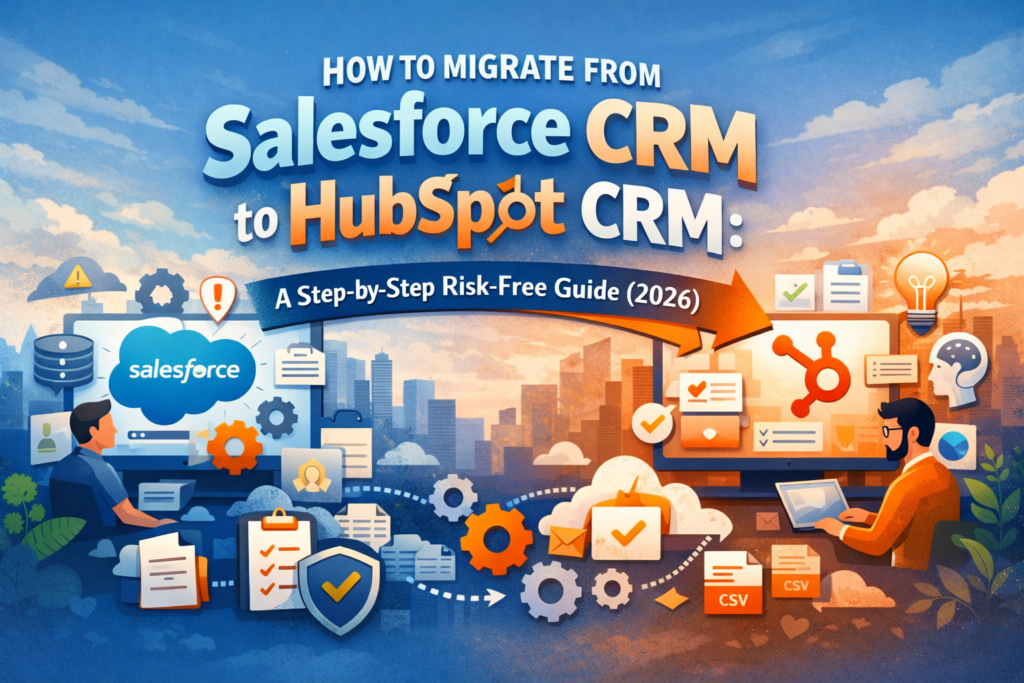
In 2026, CRM migration is no longer just an IT project; it is a business transformation initiative that directly impacts revenue growth, customer experience, and team productivity. For many organizations, moving from Salesforce CRM to HubSpot CRM represents a strategic shift toward simplicity, speed, and alignment across sales, marketing, and customer success.
But the reality is: CRM migrations are high-stakes. A poorly executed transition can lead to lost data, broken workflows, frustrated teams, and missed revenue opportunities.
This SaaSReviewer.io guide provides a comprehensive, step-by-step, risk-free framework to help you migrate successfully, without disruption, confusion, or costly mistakes.
Why Companies Are Moving from Salesforce to HubSpot
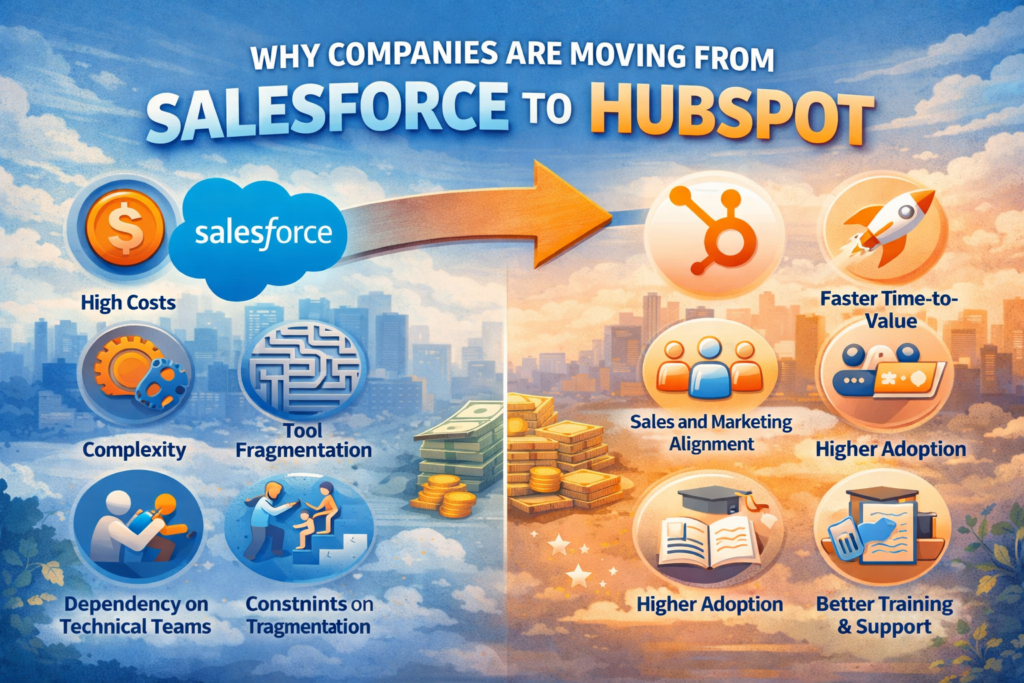
Before diving into the process, it is important to understand the driving forces behind this shift.
Challenges with Salesforce CRM
While Salesforce CRM remains a powerful enterprise solution, many companies are re-evaluating it due to:
- High total cost of ownership (licensing, development, maintenance)
- Complex setup requiring dedicated admins or developers
- Slower onboarding for non-technical teams
- Fragmented experience across tools and integrations
Advantages of HubSpot CRM
On the other hand, HubSpot CRM is gaining momentum because it offers:
- Faster implementation and onboarding
- User-friendly interface with minimal training
- Native alignment between sales and marketing
- Built-in automation and AI-powered features
- Lower operational overhead
This transition reflects a broader SaaS trend: businesses now prioritize usability and adoption over raw feature complexity.
Migration Risks You Must Understand First
Before starting, you need to recognize the most common failure points.
1. Data Loss or Corruption
Improper exports or mismatched field mapping can result in missing or unusable data.
2. Workflow Breakage
Automations built in Salesforce CRM don’t transfer directly and must be rebuilt.
3. Integration Gaps
Third-party tools may not sync seamlessly with HubSpot CRM.
4. User Resistance
Teams familiar with Salesforce may struggle to adapt to a new system.
The goal is not just migration, it’s zero disruption.
Step 1: Conduct a Full CRM Audit
Before exporting anything, perform a complete audit of your existing CRM.
What to Audit:
- Contacts, leads, accounts, opportunities
- Custom fields and objects
- Workflows and automations
- Reports and dashboards
- Integrations (email, marketing, support tools)
Why This Matters
Most companies discover they are only using 60–70% of their CRM effectively. Migration is your opportunity to eliminate clutter and optimize your system.
Step 2: Define Your Migration Strategy
Not all data deserves to be migrated.
Key Questions:
- What data is essential for daily operations?
- What can be archived or removed?
- What needs restructuring?
Migration Approaches:
1. Full Migration
Transfer everything.
- Pros: Complete data history
- Cons: Complex, slower, higher risk
2. Selective Migration (Recommended)
Move only critical data and rebuild processes in HubSpot CRM.
- Pros: Cleaner system, faster execution
- Cons: Requires planning
Pro Tip: Less data = faster migration + better long-term performance.
Step 3: Clean and Normalize Your Data
Dirty data is the no. 1 reason that CRM migrations fail.
Clean:
- Duplicate records
- Incomplete entries
- Outdated contacts
Standardize:
- Email formats
- Phone numbers
- Naming conventions
Tools You Can Use:
- Built-in duplicate management in Salesforce CRM
- Excel or Google Sheets for preprocessing
Clean data ensures smoother import and better AI-driven insights post-migration.
Step 4: Map Salesforce Data to HubSpot Structure
Salesforce CRM and HubSpot CRM use different data models.
Basic Mapping:
| Salesforce | HubSpot |
| Leads | Contacts |
| Accounts | Companies |
| Opportunities | Deals |
Critical Task:
Map every custom field carefully. Even small mismatches can break reporting or automation later.
Step 5: Export Data from Salesforce
Export your data in structured formats (CSV is recommended).
Export:
- Contacts and leads
- Accounts
- Opportunities
- Activities (calls, emails, notes)
Best Practices:
- Export in manageable batches
- Validate files before moving forward
- Keep secure backups
Do not compromise on backup; it’s your safety net.
Step 6: Set Up HubSpot Before Importing
Before importing data, configure your HubSpot CRM environment.
Set Up:
- Custom properties (fields)
- Deal pipelines
- Lifecycle stages
- User roles and permissions
Why This Matters:
Importing data into an unstructured CRM leads to chaos, misalignment, and rework.
Think of this as building your foundation before moving in.
Step 7: Import Data into HubSpot
Now comes the actual migration phase.
Recommended Import Order:
- Companies
- Contacts
- Deals
- Activities
Key Tips:
- Use HubSpot’s native import tools
- Start with small test datasets
- Verify relationships between records
Validation Checklist:
- Are contacts linked to companies?
- Are deals assigned correctly?
- Are custom fields populated accurately?
Step 8: Rebuild Automations and Workflows
Automations do not transfer; you must rebuild them.
Recreate:
- Lead nurturing workflows
- Email sequences
- Task automation
- Deal stage triggers
Opportunity:
This is your chance to simplify and modernize processes instead of replicating unnecessary complexity from Salesforce CRM.
Step 9: Reconnect Integrations
Your CRM is part of a larger ecosystem.
Reconnect:
- Email platforms (Gmail, Outlook)
- Marketing tools
- Customer support systems
- Analytics platforms
The advantage of HubSpot CRM is that many integrations are native, reducing dependency on third-party tools.
Step 10: Test Everything Thoroughly
Testing is where migrations succeed or fail.
Test:
- Data accuracy
- Workflow functionality
- Email automation
- Reporting dashboards
Run Real Scenarios:
- Create a lead
- Move it through the pipeline
- Close a deal
Everything should function exactly as expected before going live.
Step 11: Train Your Team for Adoption
Even the best CRM fails without user adoption.
Training Focus:
- Navigation and UI
- Pipeline management
- Automation usage
- Reporting and dashboards
While HubSpot CRM is more intuitive than Salesforce CRM, it still needs structural training to get success.
Step 12: Go Live with a Phased Rollout
Avoid switching everything overnight.
Recommended Approach:
- Start with a pilot team
- Gather feedback
- Fix issues
- Expand gradually
Why This Works:
A phased rollout reduces risk and allows controlled optimization.
Common Mistakes to Avoid
1. Migrating Everything
More data does not mean better results.
2. Skipping Data Cleaning
Leads to inefficiencies and poor reporting.
3. Ignoring Training
Even great tools fail without adoption.
4. Inadequate Testing
Small errors can scale into major issues.
Timeline for a Risk-Free Migration
| Phase | Duration |
| Audit & Planning | 1–2 weeks |
| Data Cleaning | 1–2 weeks |
| Setup & Mapping | 1 week |
| Migration & Testing | 1–2 weeks |
| Training & Rollout | 1 week |
Total Timeline: 4–8 weeks, depending on complexity.
Cost Considerations
Salesforce Costs:
- Licensing fees
- Custom development
- Ongoing maintenance
HubSpot Costs:
- Subscription tiers
- Optional add-ons
Most companies report a significantly lower total cost of ownership after switching to HubSpot CRM.
Final Thoughts
Migrating from Salesforce CRM to HubSpot CRM is more than a technical transition. It is a strategic reset.
It is your opportunity to:
- Simplify your sales processes
- Improve team productivity
- Leverage AI-driven automation
- Align sales and marketing teams
The key takeaway for SaaSReviewer.io readers is simple:
“A successful migration is not defined by speed. It is defined by preparation, discipline, and execution”.
Focus on data quality, test thoroughly, train your team, and roll out strategically. If done right, your migration would not just be risk-free, it would transform how your business operates in 2026 and beyond.
Frequently Asked Questions (FAQs)
1. Why do companies migrate from Salesforce to HubSpot CRM?
Companies typically migrate to reduce complexity, lower costs, and improve user adoption. HubSpot CRM offers a more intuitive interface, built-in marketing tools, and faster onboarding compared to Salesforce, which often requires extensive customization and technical support.
2. Is migrating from Salesforce to HubSpot difficult?
Migration can be complex, but it becomes manageable with proper planning. Key steps like data cleaning, field mapping, and workflow rebuilding ensure a smooth transition from Salesforce to HubSpot CRM without major disruptions.
3. Will I lose data during migration?
Data loss is possible if the process is not handled carefully. However, by backing up your data, validating exports, and testing imports, you can safely transfer data from Salesforce to HubSpot CRM with minimal risk.
4. How long does it take to migrate from Salesforce to HubSpot?
The migration timeline typically ranges from 4 to 8 weeks, depending on data complexity, integrations, and team size. Smaller businesses can migrate faster, while enterprise migrations from Salesforce may take longer.
5. Can I migrate all my Salesforce data to HubSpot?
Yes, but it’s not always recommended. Instead of migrating everything, many businesses choose to move only essential data into HubSpot CRM and archive the rest from Salesforce to maintain a clean system.
6. What happens to Salesforce workflows and automations?
Salesforce workflows cannot be transferred directly. They must be rebuilt using HubSpot CRM tools. This is often an opportunity to simplify and optimize processes.
7. Do I need technical expertise for the migration?
Basic migrations can be handled by non-technical teams using HubSpot’s tools. However, complex Salesforce configurations may require developers or consultants to ensure accurate migration to HubSpot CRM.
8. Can HubSpot replace all Salesforce features?
HubSpot CRM can replace most core CRM functions, including lead management, automation, and reporting. However, highly customized enterprise features in Salesforce may require additional configuration or third-party integrations.
9. Will my integrations still work after migration?
Some integrations will need to be reconnected or replaced. HubSpot CRM offers many native integrations that may eliminate the need for third-party tools previously used with Salesforce.
10. How do I ensure a risk-free migration?
To minimize risk:
- Clean and validate your data
- Map fields carefully
- Test with small datasets
- Train your team
Following a structured process ensures a smooth transition from Salesforce to HubSpot CRM.