SaasReviewer.io is targeted for small businesses and solo founders who want powerful tools without breaking the bank.
In 2026, solopreneurs need affordable, scalable, and easy-to-use tools that maximize productivity, boost sales, streamline operations, and require minimal onboarding.
This guide highlights the top budget-friendly SaaS tools chosen by SaaSReviewer.io. It is specifically curated for small business owners, freelancers, and solo entrepreneurs.
Why Solopreneurs Need Budget-Friendly SaaS Tools
Solopreneurs don’t have large teams or big software budgets. But they do compete with companies that do.
Affordable SaaS tools help you:
- Automate repetitive tasks
- Manage clients and leads
- Run marketing campaigns
- Track revenue and performance
- Deliver professional work
- Scale without hiring
Whether you’re a freelancer, coach, consultant, or solo founder, choosing the right tools can make or break your success. Check out this [ Good SaaS Tool for Your Startup ]
Top Budget-Friendly SaaS Tools for Solopreneurs (2026)
1. Notion — All-in-One Workspace & Knowledge Base
Notion is best for task tracking, project planning, personal CRM, and SOPs
It combines docs, projects, and databases in one flexible workspace. It replaces:
- To-do lists
- Spreadsheets
- Notes
- Wiki systems
Key benefits:
- Custom templates
- Team collaboration (even if it’s just you + clients)
- Affordable pricing for solo plans
- Integrates with calendars and tools via Zapier
Perfect for staying organized without having to use multiple apps.
2. Canva — Visual Content & Design Made Easy

Canva is used for Social media posts, brand graphics, PDFs, and presentations.
It takes design out of the expensive agency category. With drag-and-drop simplicity, you can create:
- Instagram posts
- YouTube thumbnails
- Flyers
- Logos
- Proposals
Budget perks:
- Free plan with thousands of templates
- Affordable Pro plan with branding kit
- AI text & palette tools
Canva is a must-have tool for solopreneurs who DIY their marketing.
3. MailerLite — Affordable Email Marketing & Automation

MailerLite is best for Email campaigns, newsletters, and automation to generate leads.
It focuses on simplicity and ROI, giving you more than basic newsletters:
- Email automation
- Drag-and-drop editor
- Subscriber tagging
- Landing pages
Why solopreneurs love it:
- Generous free tier
- Cost increases only as you grow
- Great analytics
Perfect for email marketing without high monthly costs.
4. Google Workspace — Email, Drive, Calendar & Docs
Google Workspace is used for professional email, file storage, and collaboration.
You may already know Google, but Google Workspace gives solopreneurs a professional edge:
- Custom business email
- Secure drive storage
- Docs/Sheets for collaboration
- Calendar + scheduling tools
Benefits:
- Simple admin controls
- Scales with your business
- Integrates with CRM & SaaS tools
A foundational tool for any solo business.
5. Wave — Budget Accounting & Invoicing
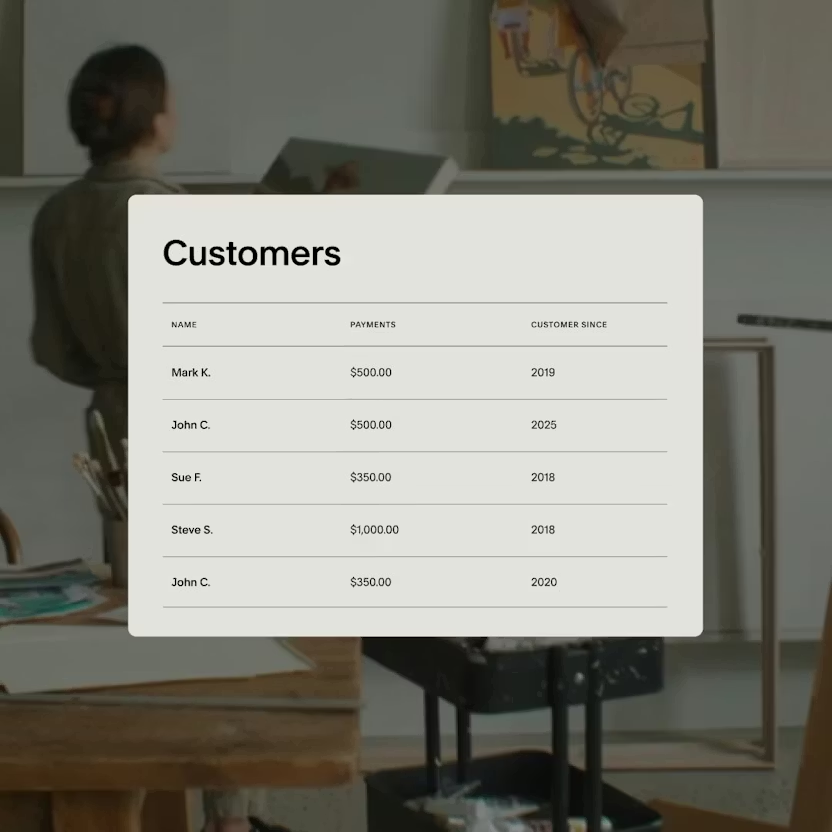
Wave is used for small business finances, invoicing, and bookkeeping.
Wave helps with core financial tasks without expensive accounting software:
- Invoicing & payments
- Expense tracking
- Receipts & reports
Solopreneur-friendly perks:
- Completely free core features
- Pay only for payment processing
- Easy tax summaries
Great choice for freelancers and consultants who need simple bookkeeping.
6. Trello — Simple & Visual Project Boards
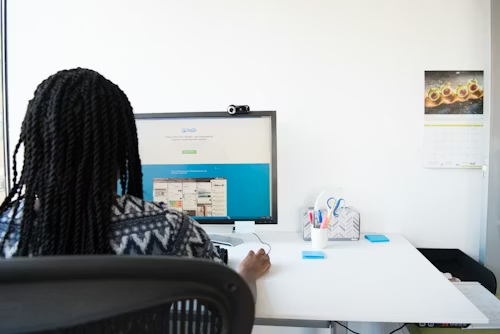
Trello is best for project management, content planning, and task boards.
It uses intuitive kanban boards to organize work:
- To-do / Doing / Done workflows
- Templates for content calendars
- Power-ups for automation
Why it’s ideal for solopreneurs:
- Free plan is powerful
- Easy onboarding
- Visual organization boosts productivity
Perfect for managing multiple clients or creative projects.
7. Zoom — Meetings, Calls & Client Sessions

Zoom is used mostly for Client meetings, virtual coaching, and webinars.
It remains a go-to for reliable video communication. Even the free plan supports:
- Group calls
- Screen sharing
- Recording
Pro plan adds:
- Longer meetings
- Breakout rooms
- Branding options
Essential for client calls and virtual consultations.
How to Choose the Right Tools for Your Business
Here are the key criteria smart solopreneurs use:
1. Start With Needs, Not Trends
Ask:
- What problem am I solving?
- Do I need automation or simple tracking?
- Will this save hours weekly?
2. Prioritize Tools With Free Tiers
Free plans help you start without commitment and test the tool risk-free.
3. Look for Integrations
Tools that connect with others (e.g., Notion + Google Calendar) create efficiency without extra cost.
4. Value Over Price
Don’t choose the cheapest tool; choose the one with the best value per dollar.
5. Track ROI
If a tool saves your time, reduces stress, or increases revenue, it pays for itself.
Benefits of Budget-Friendly Automation for Solopreneurs
- Automation gives you hours back every week and saves time on repetitive tasks.
- It improves professionalism so that you can handle professional emails, documents, and branding without contractors.
- More automation = more clients = less burnout.
- Analytics and reporting help you see what works, so that you can track your performance easily.
- Affordable plans offer enterprise-level capabilities that reduce cost and make a high impact.
Common Solopreneur Mistakes to Avoid
Even with the best tools, many solo founders slip up:
- Buying tools before identifying needs
- Having too many apps with overlapping features
- Ignoring training and onboarding
- Paying for features they don’t use
- Not tracking ROI
The best tools don’t work unless you use them well.
Budget Strategy for Solopreneurs
Here’s a simple monthly SaaS stack plan:
| Category | Category tool | Estimated monthly costs |
| Workspace & docs | Notion / Google Workspace | $0_$12 |
| Design | Canva | $0_&12 |
| Email Marketing | MailerLite | $0_$15 |
| Finance | Wave | $0 |
| Project Management | Trello | $0_$5 |
| Meetings | Zoom | $0_$15 |
| Extras | Zapier Automations | &0_$10 |
Total: $0–$70/month
For most solopreneurs, that’s a powerful, full-stack setup.
Final Thoughts
For solopreneurs, every dollar and every hour counts.
Tools like Notion, Canva, MailerLite, Google Workspace, Wave, Trello, and Zoom give you:
- Professional tools at a low cost
- Scalable systems that grow with you
- Automation that frees up time
- Affordable entry into powerful workflows
Whether you’re a freelancer, consultant, creator, or small-business owner, these budget-friendly SaaS tools help you work smarter.
Your business doesn’t need expensive software; it just needs the right software.
FAQs (Frequently Asked Questions)
1. What makes a SaaS tool “budget-friendly”?
A budget-friendly SaaS tool offers strong features at low cost — often with a free plan or scalable pricing that grows with your business.
Affordable pricing isn’t just about “cheapest” — it’s about value per dollar.
2. Are free SaaS plans good enough for solopreneurs?
Yes, many free plans offer full capabilities for solo use. But upgrading later is worth it when you need:
- More users
- Advanced automation
- Increased storage
Start free, upgrade smart.
3. Do these tools integrate?
Most modern SaaS tools support integrations through platforms like Zapier — so your stack works as one system.
4. Can I use these tools for my service-based business?
Absolutely. These tools fit:
- Freelancers
- Coaches
- Consultants
- Designers
- E-commerce solopreneurs
They are flexible and adaptable.
5. How do I decide which tool to start with?
Begin with your biggest bottleneck:
- Struggling to stay organized? Start with Notion.
- Need clients? Start with MailerLite.
- Need branding content? Start with Canva.
Solve one problem at a time.
If you want, I can also create pricing comparison tables, tool alternatives, or step-by-step setup guides for each tool.
1. What are the best budget-friendly SaaS tools for solopreneurs?
The best budget-friendly SaaS tools are those that offer strong free plans and affordable upgrades. Popular choices include:
- Notion for organization
- Canva for branding & design
- MailerLite for email marketing
- Wave for invoicing
- Trello for task management
These tools combine affordability with scalability.
2. Are free SaaS tools enough for small businesses?
Yes, many free SaaS tools for small businesses are powerful enough in the early stages. However, you may need to upgrade when:
- Your customer base grows
- Automation becomes necessary
- Advanced analytics are required
- Team collaboration expands
Start free, upgrade when growth demands it.
3. How much should a solopreneur spend on software monthly?
Most solopreneurs can operate efficiently within:
$0–$70 per month for a complete SaaS stack.
This typically includes:
- Email marketing
- Project management
- Design tools
- Accounting software
- Cloud storage
The key is investing in tools that improve productivity and increase revenue.
4. What software does a small service-based business need?
A small service-based business usually needs:
- Project management software
- Email marketing software
- Accounting & invoicing tools
- Video conferencing software
- Cloud storage solutions
Tools like Google Workspace and Zoom help maintain professionalism with clients.
5. How do I choose the right SaaS tools for my small business?
Follow this simple checklist:
- Identify your biggest bottleneck
- Choose tools with free trials or free tiers
- Compare pricing vs features
- Check integration compatibility
- Ensure the tool scales with your business
Always prioritize value over popularity.
6. Can budget SaaS tools scale as my business grows?
Yes. Many affordable SaaS platforms offer tiered pricing models. You can start small and upgrade gradually as:
- Revenue increases
- Clients increase
- Automation needs grow
This flexibility makes them ideal for solopreneurs.
7. Are affordable SaaS tools secure?
Most reputable SaaS platforms implement:
- Data encryption
- Secure login systems
- Regular updates
- Cloud-based backups
However, always enable multi-factor authentication (MFA) and follow best security practices.
8. What are common mistakes solopreneurs make when choosing software?
Common mistakes include:
Paying for features they don’t use
Using too many overlapping tools
Ignoring integrations
Not tracking ROI
Upgrading too early
Keep your SaaS stack lean and efficient.
9. Do I need marketing automation as a solopreneur?
Yes, even basic email marketing automation can:
- Nurture leads
- Save time
- Increase conversions
- Improve customer engagement
Tools like MailerLite allow you to automate without high costs.
10. What is the most important tool for a solopreneur?
There isn’t one universal answer, but most solopreneurs benefit most from:
- A project management tool (organization)
- An email marketing platform (growth)
- An accounting solution (financial clarity)