Software-as-a-Service (SaaS) is how most modern businesses operate. You probably use some form of project management, customer relationship management, email marketing, and cloud storage software every day. When you try out the various software options available, you’re bound to find free plans offered by most vendors that seem too good to be true.
At first glance, these free SaaS solutions appear to be an excellent opportunity because you do not incur any upfront expenditures, and the risk of using the free plan is negligible. However, if you examine these services further, you will find there are potential hidden costs that may make your decision to use the free service unwise. The following is a critical question that will help you identify these hidden costs: At what point does the free plan stop being beneficial and start costing you more than subscribing would?
This guide will provide you with a strategic overview of when it makes sense to pay for an upgrade.
The Freemium SaaS Model Explained
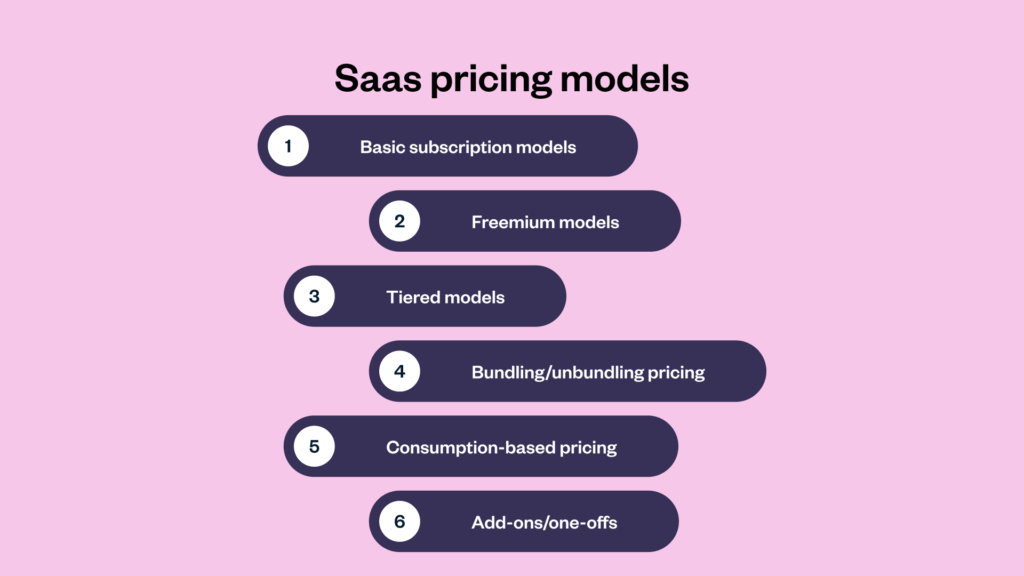
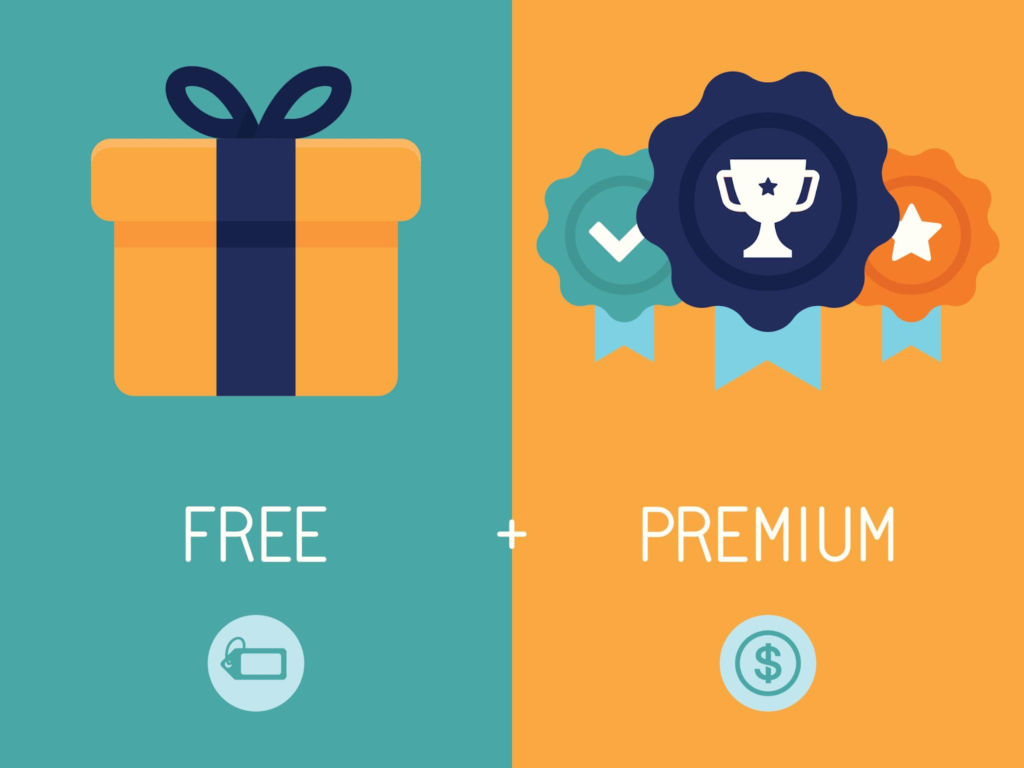
A majority of SaaS businesses are using the Freemium model. In this business model, you get many of the basic features of the software free; however, to gain access to the advanced features, you will have to pay a monthly fee. In addition, there are various restrictions on the number of users, the quantity of data that you can store, or the number of automated tasks that you can perform.
The goal of the free plan is to continue to attract users and build a relationship with them. By doing this, you will eventually convert them into paying customers. For the most part, providing free software is a way to do business, not a form of charity. You need to determine for your own company if it has outgrown the trial period.
The Real Cost of Free Software
Although they appear free, there are hidden costs associated with free solutions that are often overlooked.
Delays in Productivity
You create workflow delays with free solutions; if you do not have enough automation, if your reports are limited, or if your integrations are limited, your organization will waste money if employees are spending 5+ hours every week doing manual work instead of being productive.
Limited features
Many free versions of software only provide limited access to advanced analytics, custom branding, and API connectivity. You will also not have access to advanced automation workflows or live customer support. These limitations cause your organization to experience ongoing obstacles as it grows and requires these types of tools to operate effectively.
Inability to Scale
Even if the number of users you have, storage, or email count is limited because of data caps associated with free versions, you will find it impossible to manage your contacts or projects properly. When your organization cannot scale because there is no scalable solution, it creates chaos.
Loss of Security and Compliance
Enterprise data is protected in the paid tiers. They also provide role-based access and complete audit reporting. If your organization requires keeping sensitive data, you need the paid features to protect your organization against today’s threats to security and maintain compliance. Although free products do not cost anything today, they may potentially jeopardize your organization tomorrow.
When Free SaaS Makes Perfect Sense?
There are specific criteria under which free SaaS works:
- You experiment with something new: The early-stage founders need to reduce their burn to validate the product.
- You do it all yourself: Freelancers and consultants seldom require team-level tools.
- You use it lightly: there are no need to upgrade if you remain below the caps for automation and storage.
- Learning mode: Free platforms are good for practice
- This keeps operational complexity down in these circumstances. So, the free plan remains protected.
Clear Signs It Is Time to Upgrade
You Lose Time to Manual Work
Time is a valuable commodity, especially when your business spends money on resources such as Software as a Service (SaaS) to create Workflows That Are More Automated. By automating repetitive tasks (using a paid CRM, for example), you will be able to maximize your investment by improving efficiency and revenue through Additional Opportunities To Sell.
Your Team Grows
Most free services limit their use to three people, but once you add employees, you want to begin collaborating together by utilizing Collaboration Tools, Managing Permissions & Sharing Dashboards. Using Paid Services to Collaborate with Employees Is The Only Way To Increase Productivity & Eliminate Misunderstanding.
You Need Advanced Reports
Data drives smart, modern decisions. Free versions restrict custom reports, data exports, and real-time dashboards. You fly blind without reliable insights. Paid analytics tools pay for themselves through better performance optimization.
Professional Branding Matters
Free tools force vendor logos and generic templates onto your work. Paid versions unlock custom domains, white labeling, and total design flexibility. Clean branding builds customer trust. Trust increases your conversion rates.
Customer Support Becomes Critical
Using free services requires the vendor’s logo and the use of generic templates to brand your work. By using paid services, you can create custom domains, white-label your work, & have total control over how you design your brand visually. Building clean brands helps to build customer confidence.
Cost vs Value: The Smart Calculation
Do not ask how much the paid plan costs. Instead, calculate the financial cost of your current inefficiency.
Example: A $29 monthly subscription saves your team ten hours each month. Your hourly work value is $50. The tool just saved you $500 worth of time.
The ROI appears instantly through this view. Upgrades become strategic business steps.
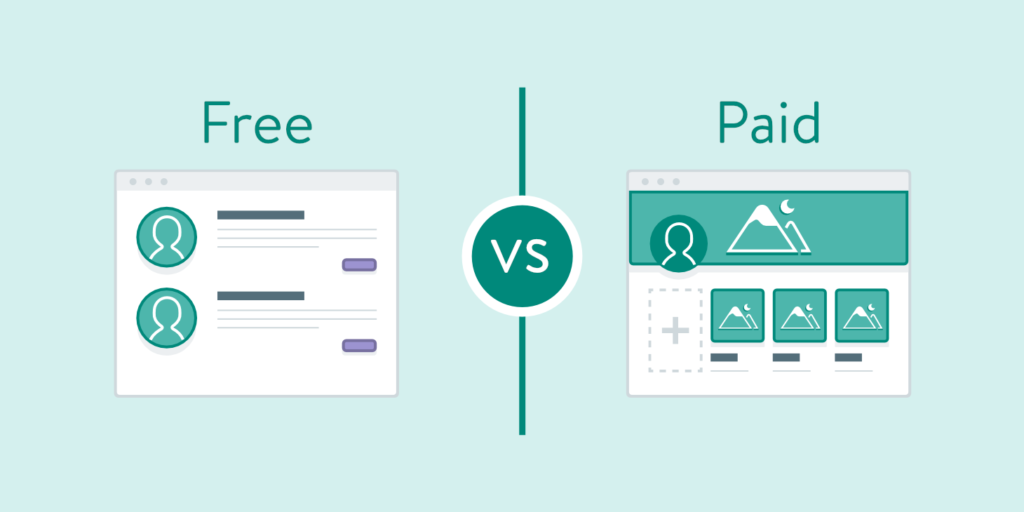
Quick Comparison: Free vs Paid SaaS
| Factor | Free SaaS | Paid SaaS |
| Cost | $0 | Monthly or annual subscription |
| Features | Limited tools | Advanced capabilities |
| Automation | Basic choices | Full workflows |
| User Access | Restricted seats | Scalable tiers |
| Security | Basic protection | Advanced encryption |
| Support | Slow email or forums | Priority assistance |
| Analytics | Simple data | Detailed custom reports |
| Branding | Vendor logos | Full customization |
The “Upgrade Later” Psychological Trap
Many teams delay upgrades because the current setup works well enough. They prefer to wait for revenue spikes to avoid recurring costs. However, delays kill your momentum and create technical debt. Strategic upgrades prevent future operational disasters.
The Hybrid Strategy
You do not need to pay for every tool in your stack. Use free SaaS software for secondary tasks, but upgrade your core revenue-driving software.
- Paid choice: Your main CRM and email marketing software.
- Free choice: Your internal note-taking apps.
Align your budget with direct business impact.
When to Avoid Upgrades?
If your team fails to utilize 70 percent of what you already use, upgrades squander capital. For instance, if the size of your team remains constant and your volume of work is also consistent, then you can stick to the free plan. Paid features allow no short-term trials. You have to upgrade due to a real need in the operation of your business, not from keyboard warriors putting pressure on you.
Future-Proofing Your Business Stack
New SaaS tiers give you paid features, AI tools, predictive analytics, and automated optimization. Such innovation-first tools are not typically found in free plans. When you leverage advanced tech early, it gives you a huge edge over the competition.
Final Decision Framework
Before you buy, answer these quick questions:
- Is your business growth limited by feature caps?
- Is your team spending hours doing manual stuff?
- Does the software have a direct influence on your income?
- Are you mounting security concerns?
An upgrade makes total sense if you answered “yes” to two or more questions.
Final Thoughts
The SaaS debate centers on value, not price. Free software helps you start, but paid software helps you scale. Your tools must evolve alongside your business growth. Smart companies upgrade because they recognize operational leverage. Sometimes, that leverage costs just $29 per month.
Frequently Asked Questions
Can I use free SaaS safely?
Reputedly free software adheres to normal safety measures. Free versions often lack more advanced security features, access control options, and detailed audits. Upgrade is still the safest option if you deal with any customer’s sensitive information.
Are there hidden costs in free SaaS?
There are definitely some. They appear in the form of wasted time, manual operations, and unavailable software integrations. Brand restrictions and poor customer service waste your time too. Ultimately, all these minor inefficiencies per day can become much more expensive than a monthly subscription fee.
Does paid SaaS benefit small businesses?
An upgrade will help when the saved time makes you more productive. Software automation decreases your employees’ workload, and proper brand recognition increases clients’ trust. But first, you need to evaluate the amount of saved time versus the cost of the subscription.